Plan Your Shoots, Beautifully
The collaborative shoot planner for filmmakers. Organize locations, build moodboards, manage shot lists, and share with your crew.
See a real production planned with ShootPlaner
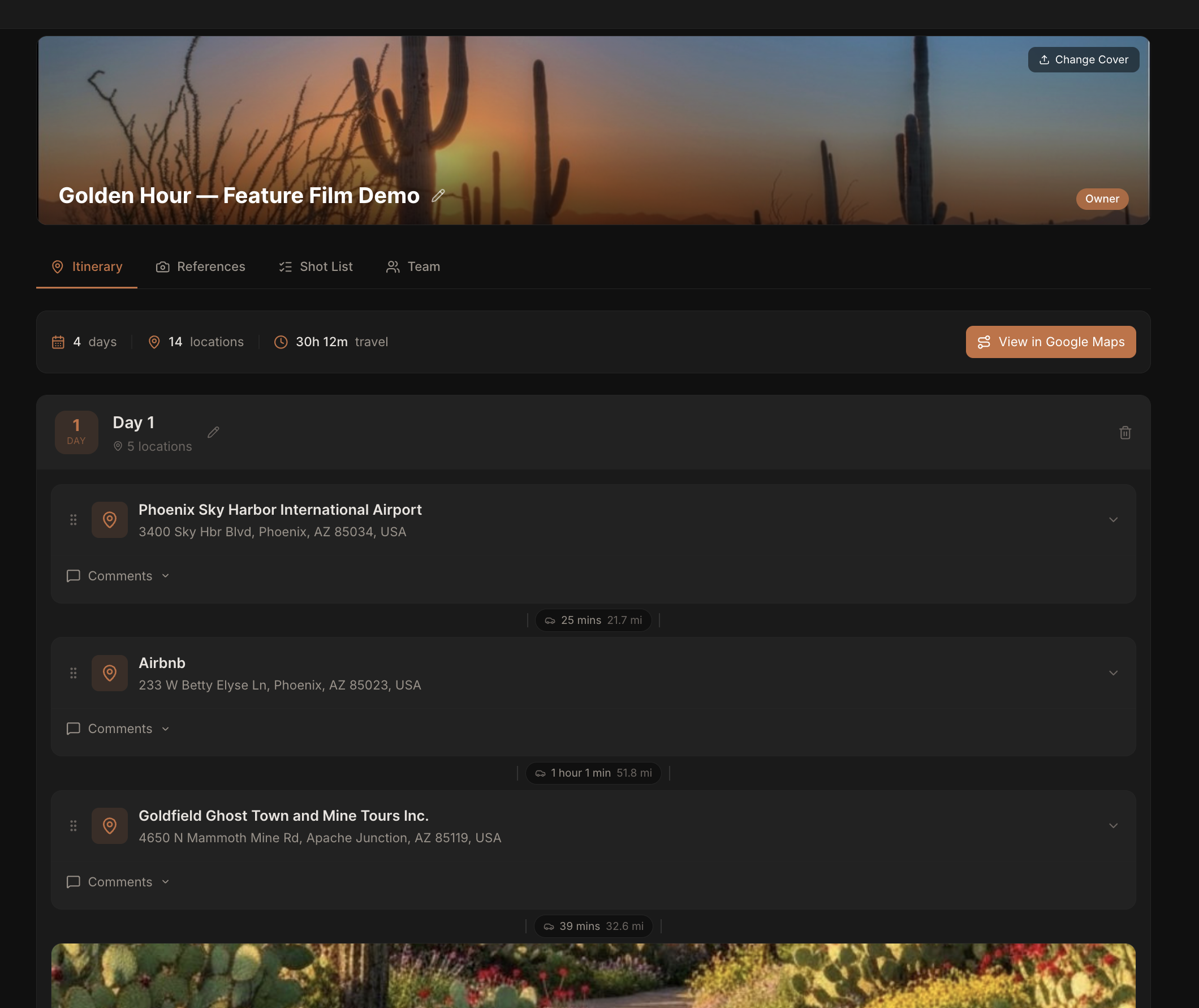
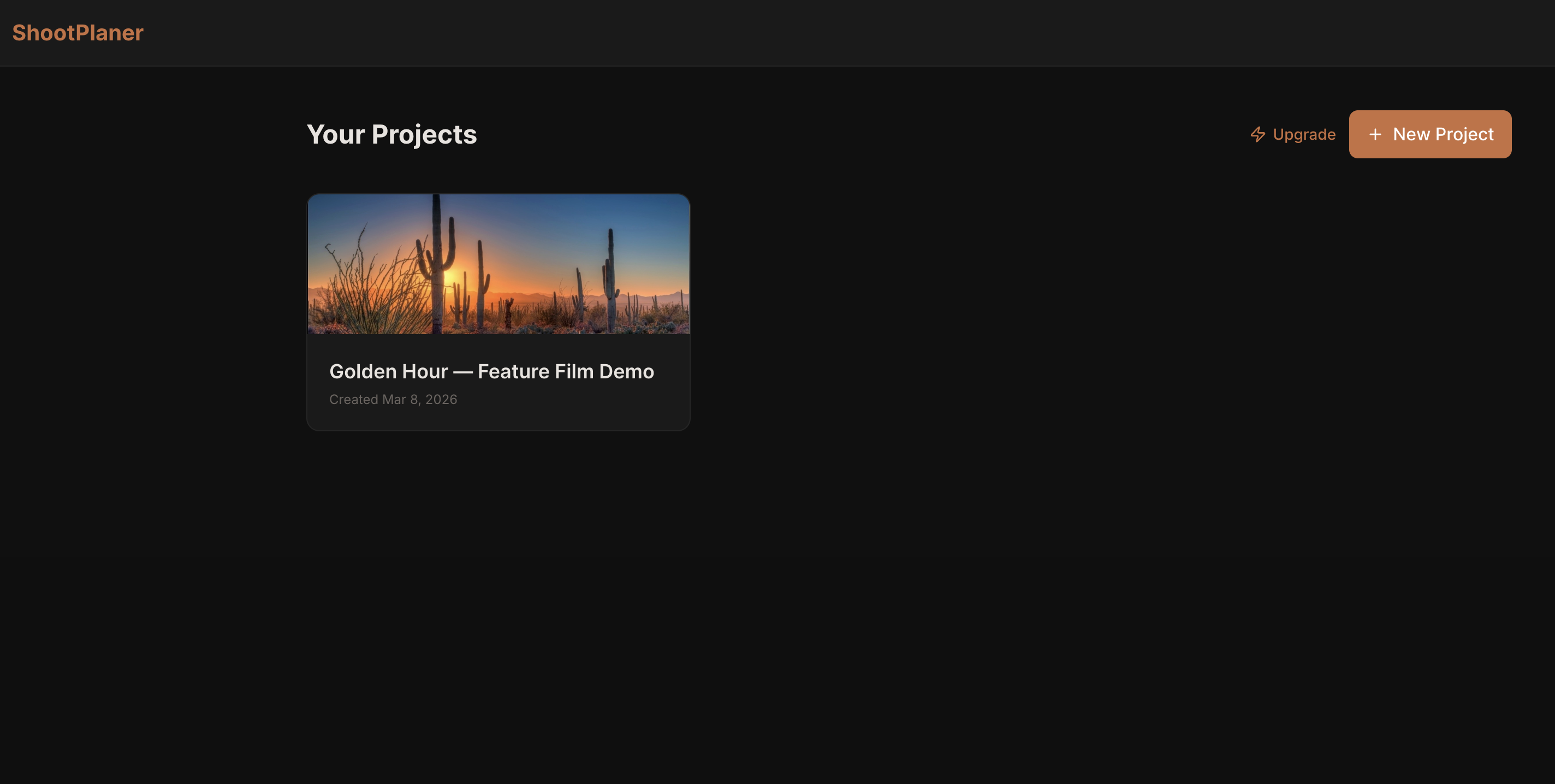
Itinerary Planner
Organize shoot locations day-by-day with drag-and-drop. Auto-calculate distances and generate Google Maps routes.
Shot References
Build moodboards and assign reference images to specific locations. Keep your visual direction organized.
Shot List
Track every shot with descriptions, types, and status. Never miss a shot on location.
Team Collaboration
Share projects with your crew via invite links. Control who can view and who can edit.
Everything on one page
No more spreadsheets, group chats, or lost call sheets. ShootPlaner keeps your whole production in sync.
Plan every location, day by day
Structure your entire shoot as a day-by-day location itinerary. Each day gets its own block with all locations listed in order — so your crew always knows exactly where to be and when.
- Add as many shoot days as you need
- Each day shows all locations in sequence
- Collapse or expand days to stay focused
- Add notes, photos, and comments to every location
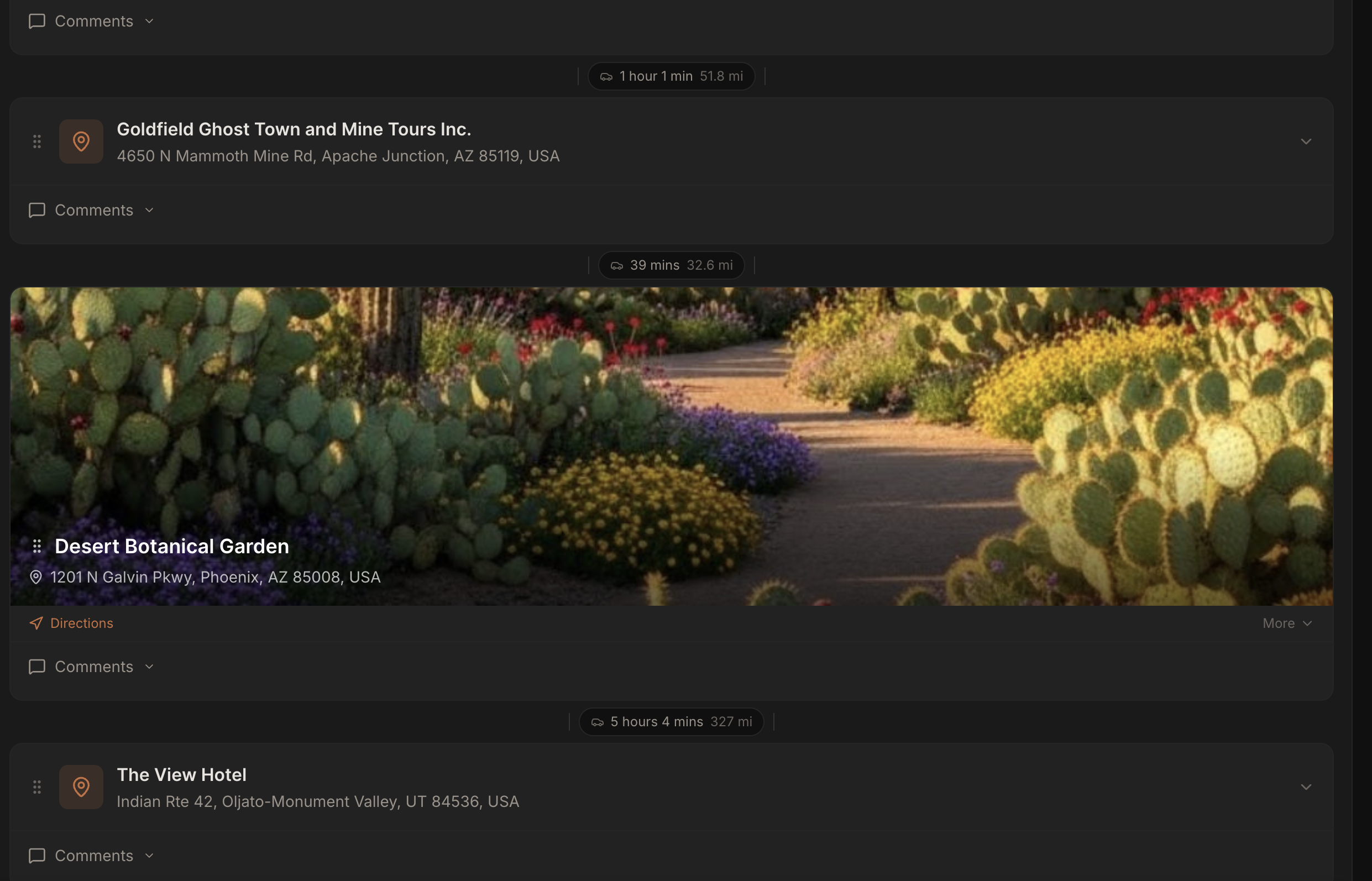
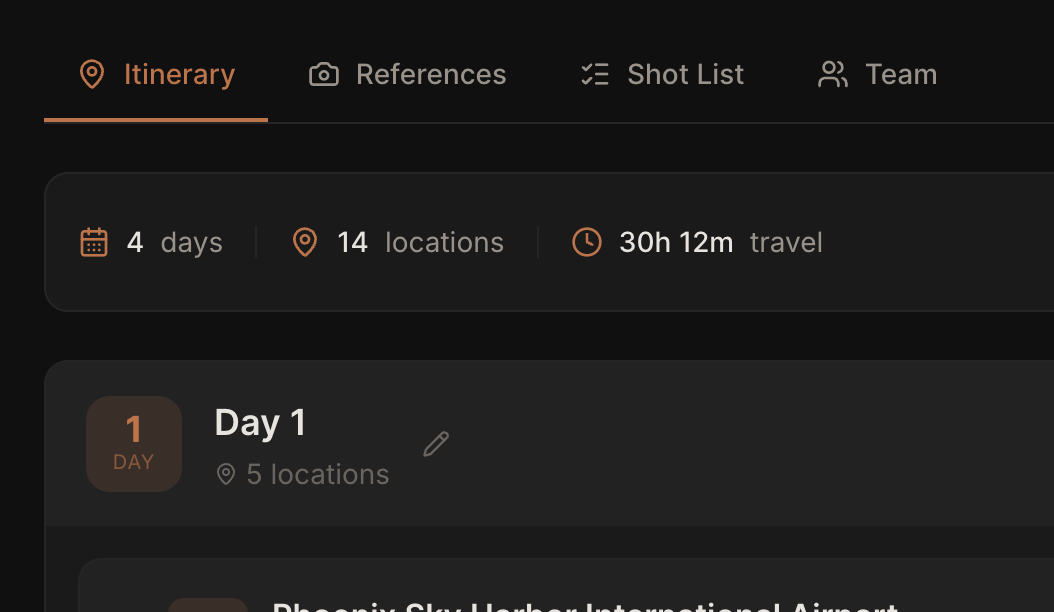
Your shoot stats, calculated instantly
At a glance, ShootPlaner totals up your entire production — how many shoot days, how many locations, and the total travel time across all of them. No spreadsheet needed.
- Total shoot days counted automatically
- All locations across every day totalled
- Cumulative travel time calculated from drive times
- Updates live as you add or remove locations
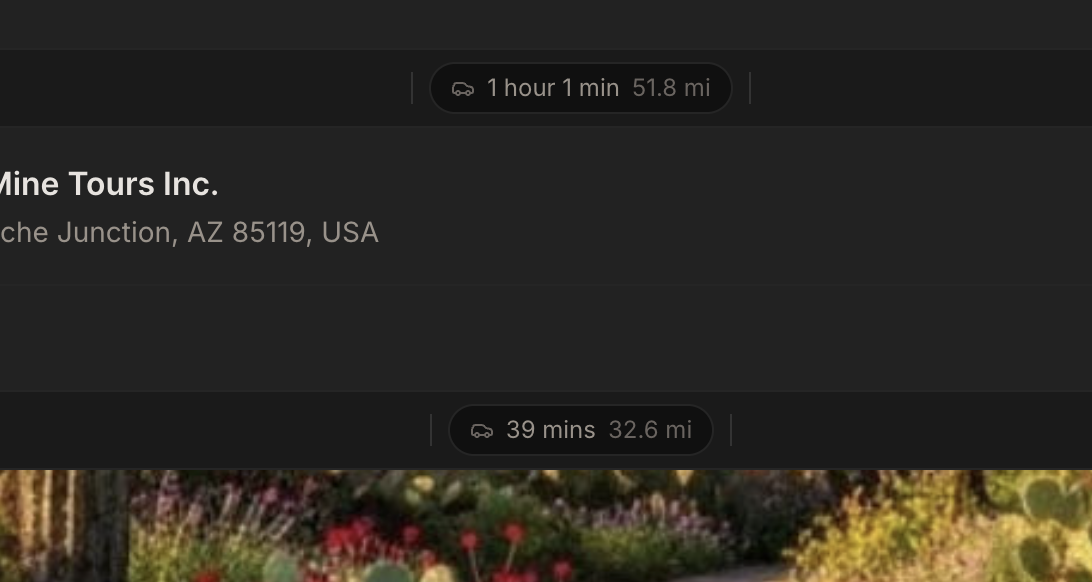
Drive times calculated automatically
ShootPlaner calculates the real-world drive time and distance between every consecutive location on your itinerary. No more guessing how long it takes to move from one spot to the next.
- Drive time shown between every location
- Distance in miles displayed alongside
- Updates automatically when you reorder locations
- One-tap to open the full route in Google Maps
One tap to open your full route
The "View in Google Maps" button at the top of your itinerary instantly opens the entire day's route in Google Maps — with every location already loaded as a stop. Share it with your driver or AD and they can navigate straight away.
- Appears at the top of the itinerary, always visible
- Opens Google Maps with all locations pre-loaded
- Works on mobile — tap and go directly from your phone
- No manual entry — the route is built from your itinerary
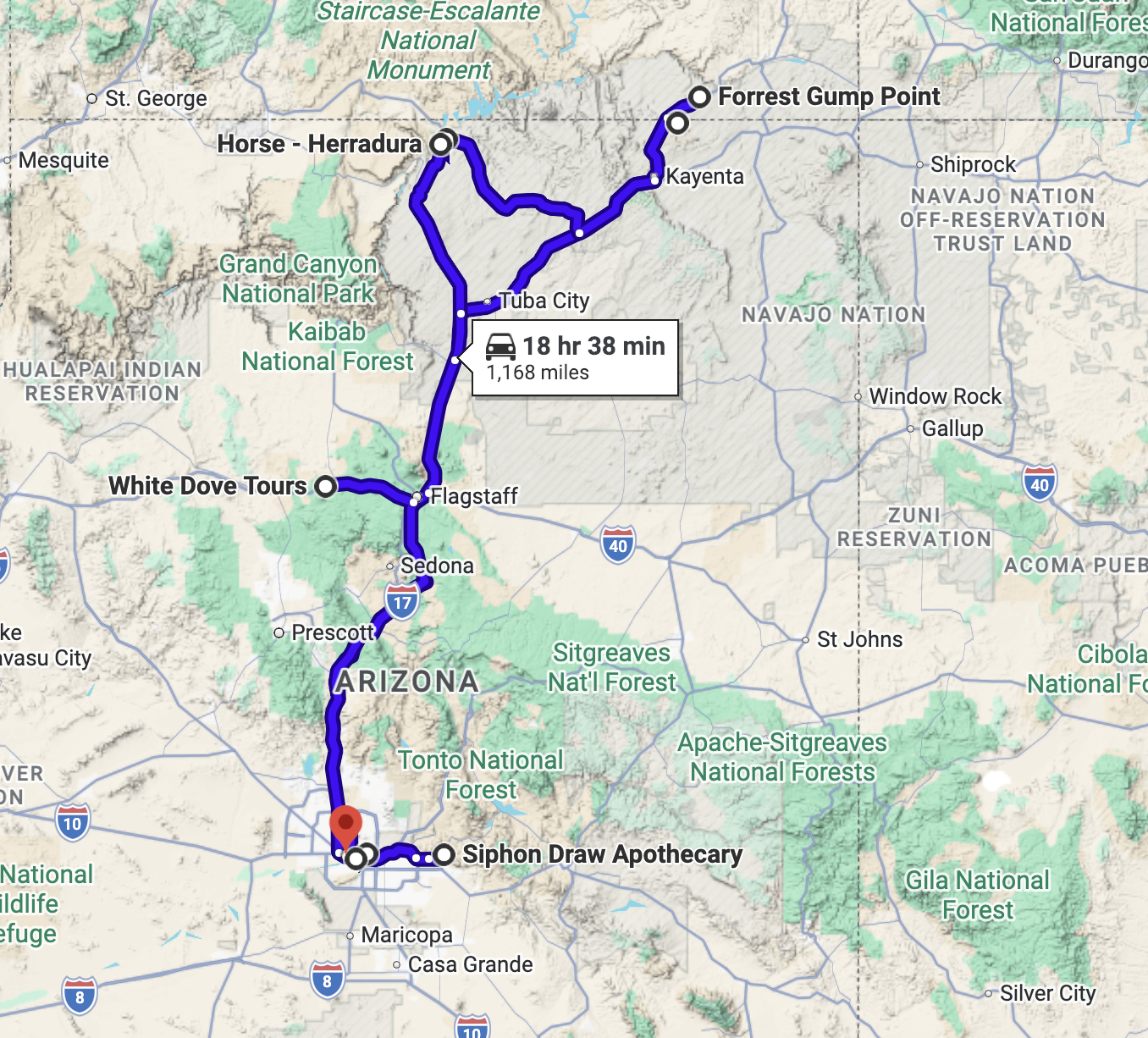
Your entire shoot, plotted on Google Maps
See every location from your shoot plotted as a connected route on Google Maps. Know the full scope of your day before you leave — so there are no surprises on location.
- All locations plotted as waypoints in order
- See the full geography of your shoot day at a glance
- Google Maps handles live traffic and navigation
- Shareable — send the link to anyone on your crew
References organised by location
Your moodboard isn't just a pile of images — every reference can be assigned to a specific location, so your crew knows exactly which shot or place each image belongs to.
- Filter the moodboard by any location
- See only the references relevant to where you're shooting
- Keeps visual direction tied to the physical plan
- Works with photos, links, and platform embeds
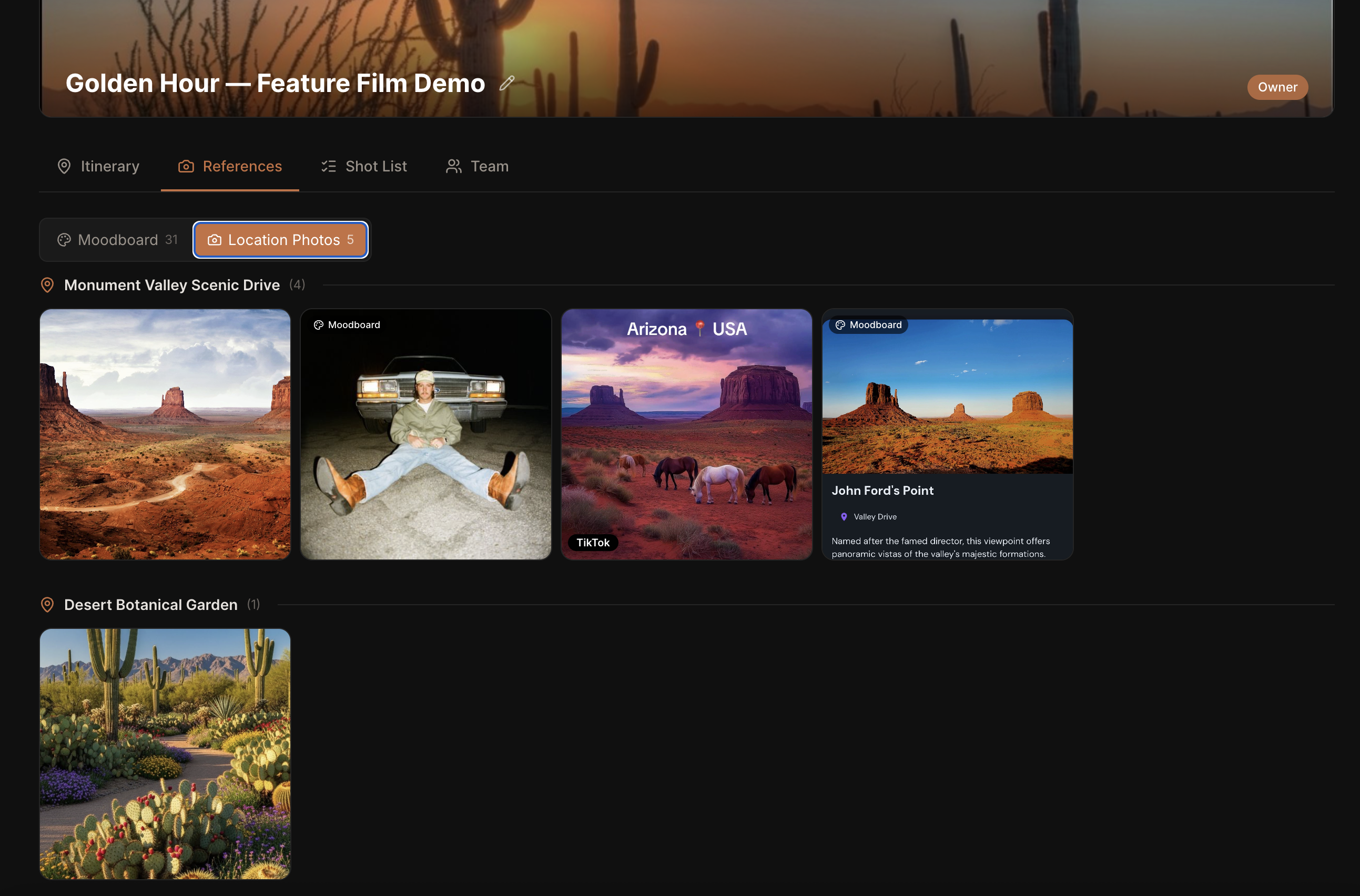
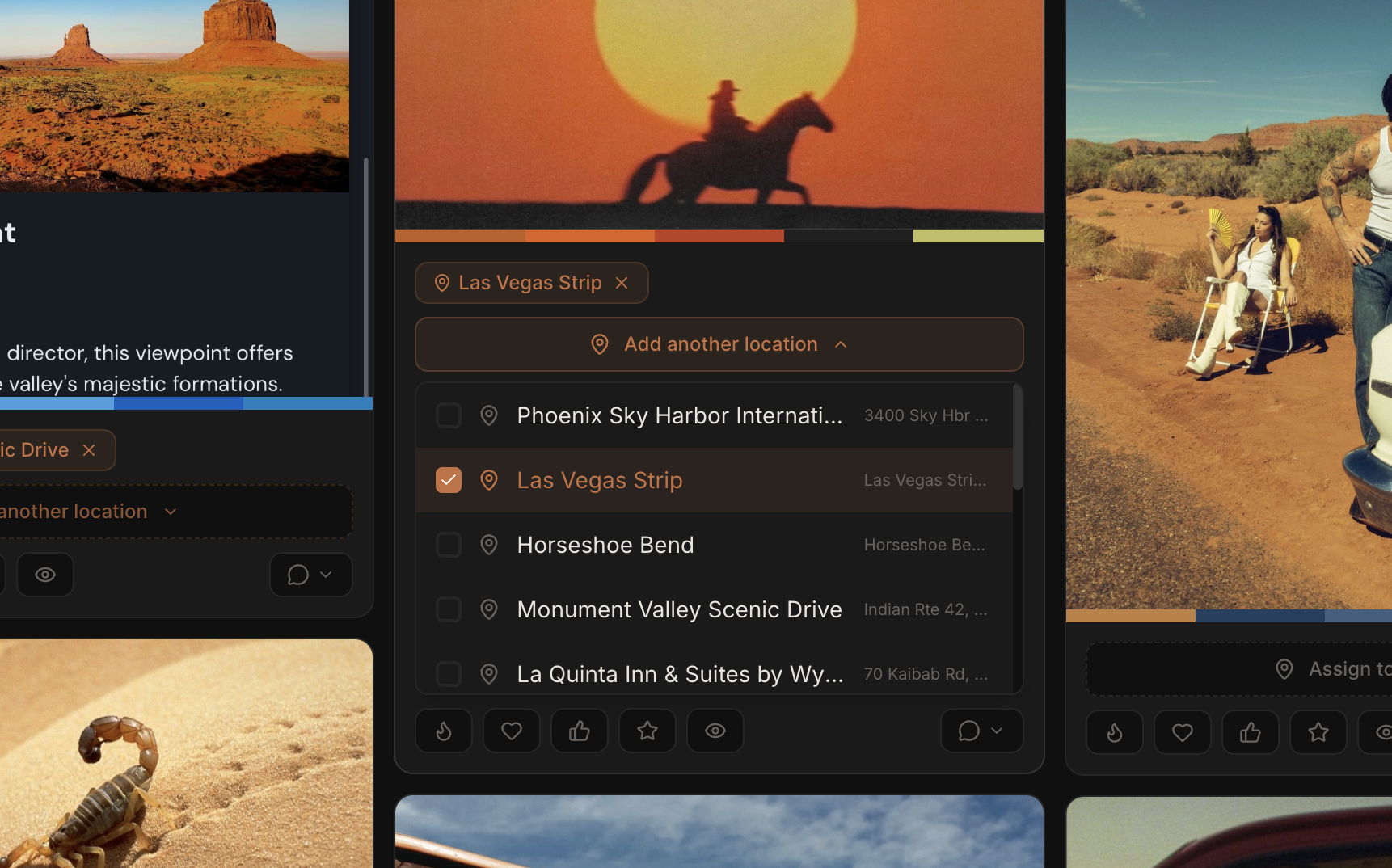
Tag any reference to a location
When adding or editing a reference, assign it to one or more locations from your itinerary. Your DP can pull up exactly the right mood images the moment they arrive on location.
- Assign a reference to any location in your itinerary
- One reference can apply to multiple locations
- Tagged images appear in both the moodboard and itinerary
- Keeps visual context right where it's needed
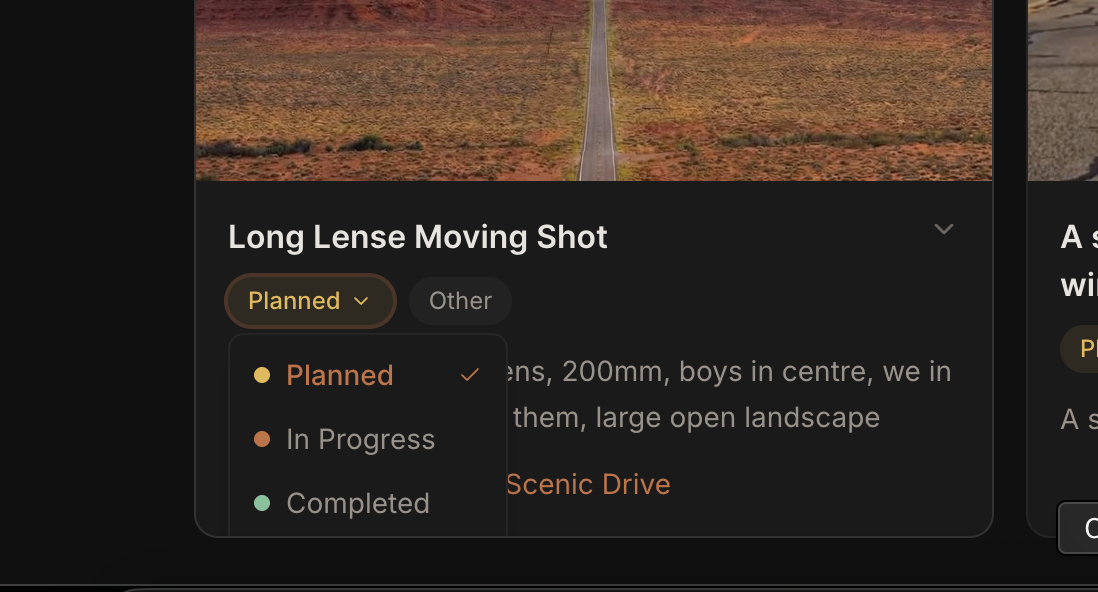
Track every shot from planned to complete
Mark each shot as planned, in progress, or completed as you move through your shoot day. Your whole team sees the same live status — no more checking in over walkie.
- Three-stage status: planned, in progress, completed
- Status updates are visible to the whole team instantly
- Colour-coded badges make it easy to scan at a glance
- Track progress across all shots in one view
Every shot, fully detailed
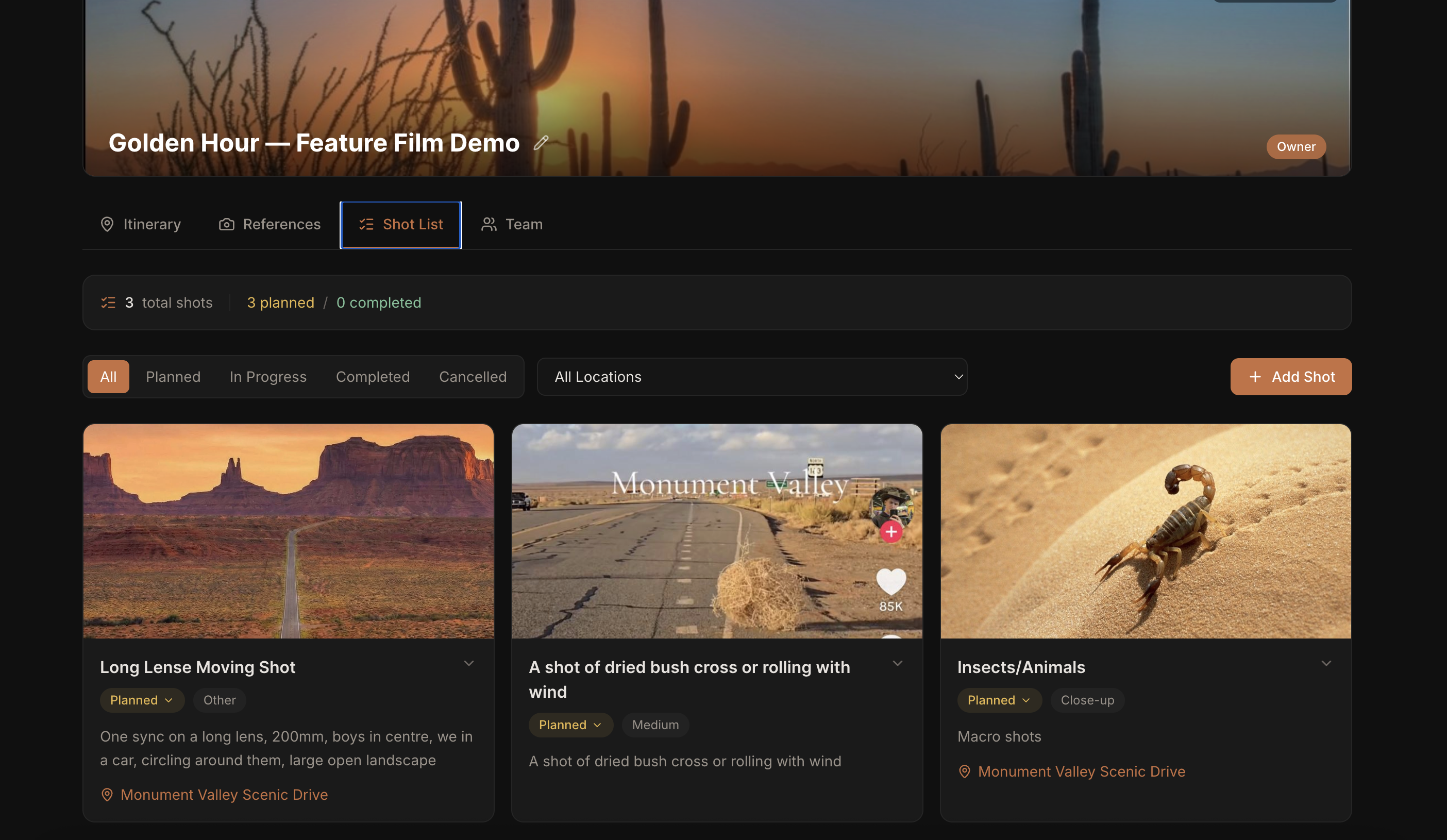
Your shot list is more than a checklist. Each shot carries a title, shot type, reference image, description, and a link to the location it belongs to — everything your crew needs to execute it.
- Shot types: wide, medium, close-up, aerial, and more
- Attach a reference image to show exactly what you're going for
- Link each shot to a specific location on the itinerary
- Add descriptions and notes for the crew
Your whole crew, always in sync
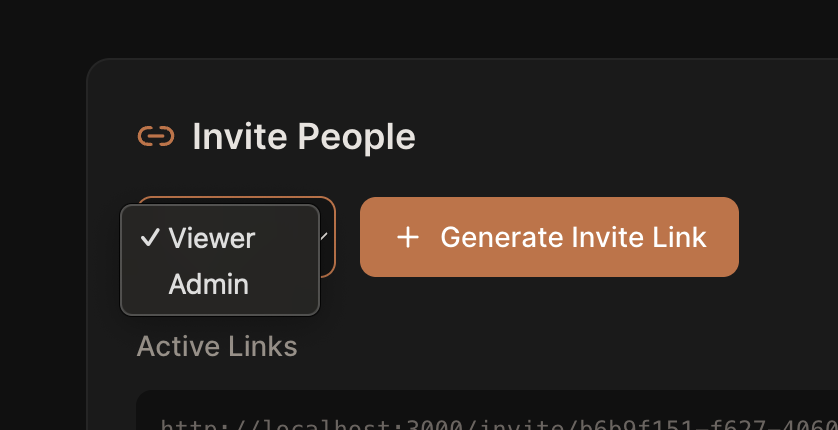
Share your project with a single invite link. Your DP, AD, producer, and crew can view the full plan, leave comments, and react to references — from any device, on or off set.
- Invite anyone with a link — no account needed to view
- Admin role lets crew members edit alongside you
- Email notifications when someone comments or reacts
- Works fully on mobile for quick on-set access
Ready to plan your next shoot?
Free to start. No credit card required. Used by filmmakers planning real productions.